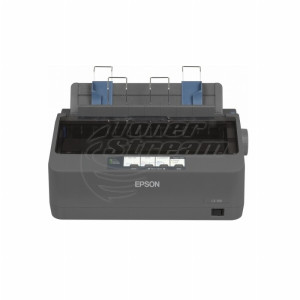
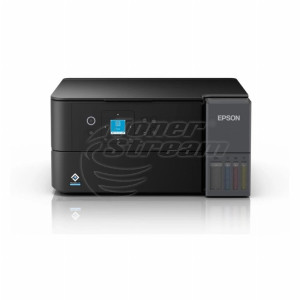
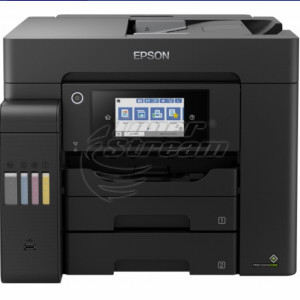
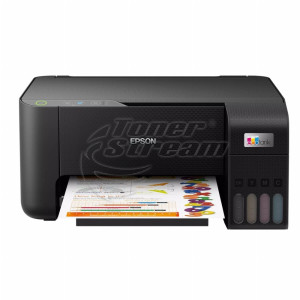
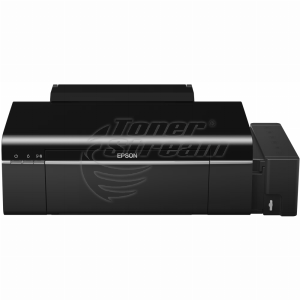
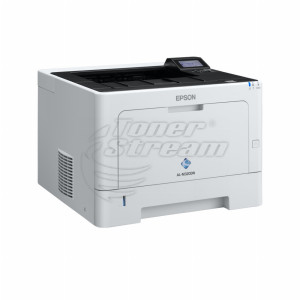
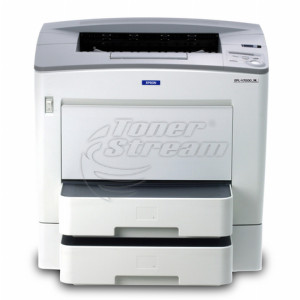
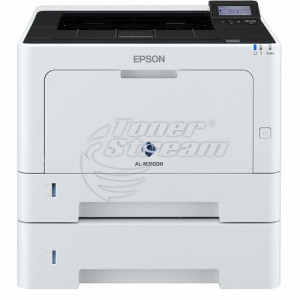
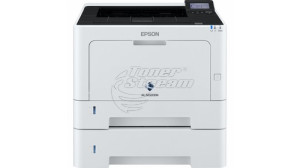
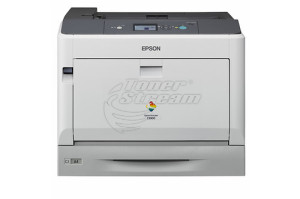
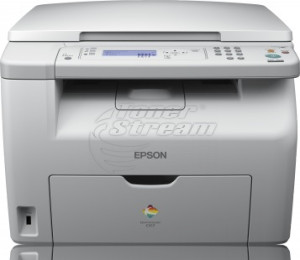
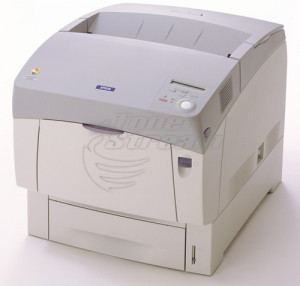
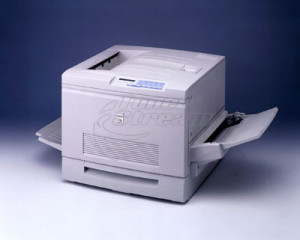
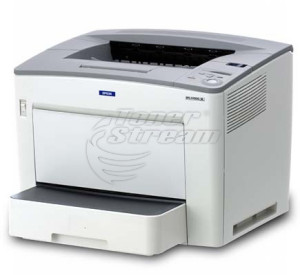
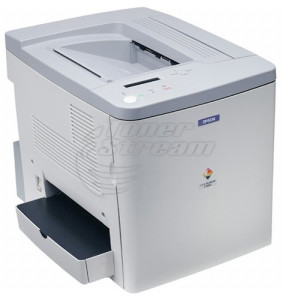
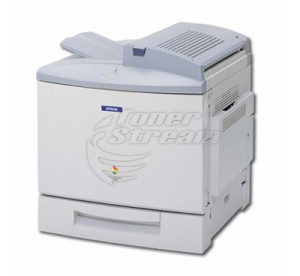
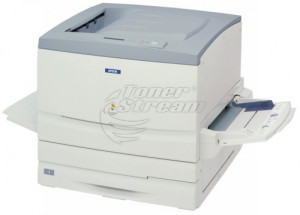
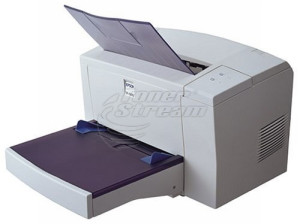
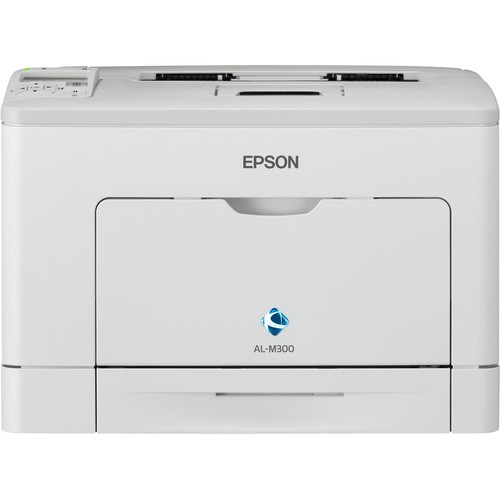
In the Epson printers category, you will find devices for different needs and print volumes – from standard home and office documents to colour materials, drawings and multi-part forms. The range includes laser, LED, inkjet and dot matrix printers, models for colour and monochrome printing, A4 and A3 formats, as well as standalone and multifunction devices.
What printing technologies does Epson offer?
The technology determines what type of printing a particular device is best suited for. Depending on the documents and your way of working, you can choose between:
-
laser printers – suitable for regular printing of text and office documents;
-
LED printers – use a principle similar to laser printing, with the image formed by an LED array;
-
inkjet printers – suitable for documents, images, graphics and materials where detailed colour reproduction is required;
-
dot matrix printers – use mechanical printing and allow work with multi-part forms, receipts and warehouse documentation.
This way, even at the stage of choosing the technology, you can narrow down the options according to whether the printer will be used mainly for documents, colour materials or specialised forms.
A4 or A3 Epson printer
The format depends on the size of the documents you will print. For standard documentation, contracts, invoices, correspondence and educational materials, the usual choice is A4. If you work with drawings, larger tables, diagrams or graphic materials, you can choose an Epson printer with A3 support.
Colour or monochrome Epson printer
Colour capability is a separate criterion and should be matched to the content of the documents. Monochrome printers are suitable if you mainly print text, invoices, contracts and internal documentation. Colour models are more suitable for presentations, images, charts and other materials where colour is an important part of the information.
Standalone or multifunction Epson printer
The difference here lies in the operations the device can perform. A standalone printer is designed mainly for printing and is suitable when scanning and copying are not part of your daily work.
Multifunction devices combine several operations in one machine. In addition to printing, they can provide scanning and copying functions depending on the specific model. This is a practical option for a workplace where documents are regularly handled both on paper and in digital format.
When comparing the two types of devices, it is best to base your choice on the actual workflow. If the main task is printing, there is no need to choose additional functions simply because they are available. If you often digitise, copy and print documents, a multifunction model brings the necessary operations together in one device.
How to choose an Epson printer according to the way you work?
Home use, everyday office printing and working with specialised documents place different requirements on the printer. It is practical to distinguish between the following situations:
-
Printing documents at home
For educational materials, personal documents and occasional printing, choose a device according to how often it will be used and whether colour printing is required.
-
Daily work with office documents
For regular document workflows, pay attention to models designed for heavier use. If contracts, invoices, reports and correspondence make up most of your printing, a device for fast monochrome printing is a suitable option.
-
Printing graphics and colour materials
For presentations, charts, images and other materials where colour is part of the content, choose a colour printer with technology suitable for this type of printing.
-
Working with multi-part forms
For receipts, warehouse documentation and other multi-part forms, dot matrix printers are designed to print through mechanical impact.
Browse the available offers at TonerStream and choose an Epson printer that meets the needs of your home or office. If you are unsure which model is suitable for your tasks, you can rely on consultation when choosing, as well as service and consumables for its ongoing maintenance.
FAQ – Frequently Asked Questions
-
How can you estimate printing costs for an Epson printer?
Check the type and price of compatible consumables, as well as their stated yield. For regular printing, the cost per page may be a more important criterion than the initial price of the device.
-
What connectivity options can an Epson printer have?
Depending on the model, connectivity may be via USB, wired network or Wi-Fi. Check the specific interfaces, especially if the printer will be used by several devices or users.
-
What should you check before buying consumables for Epson?
Check the exact printer model and the compatibility of the cartridge, toner, ink or other required consumable. It is not enough for the product to be intended only for the same brand.
-
Will I find toner and parts for an older Epson laser printer?
Yes, Epson continues to provide consumables and spare parts for its laser devices. In the catalogue, you will find toner cartridges for the AcuLaser and EPL series.
-
What is the difference between EPL, AcuLaser and WorkForce AL?
EPL is the oldest generation and is mainly monochrome, AcuLaser is the broadest range and includes colour models and multifunction CX devices, while WorkForce AL is the latest, where AL continues to stand for AcuLaser. For consumables, the generation does not matter because the cartridge is determined by the specific model, for example AcuLaser C3900 or WorkForce AL-M320.
-
Is it worth repairing an Epson laser printer?
Repair is usually the more reasonable choice when the problem is in a single unit: the fuser, feed rollers or drum. For a more expensive repair, replacement may be the better option because with a new or refurbished machine you receive a warranty and full service life rather than remaining life. For ongoing costs, additional savings can be achieved by using streamed (refurbished) toner cartridges when they are available for your model.
-
The Epson laser printer prints faintly or with spots. What should I check?
Check the toner level and whether the cartridge is fully inserted. Repeated spots or streaks at regular intervals point to the drum or contamination along the paper path.
-
Will I find a driver for an older Epson laser printer?
Drivers are published in Epson's official support section. For the EPL and AcuLaser series, support for the latest versions of Windows and macOS depends on the specific model, so it is advisable to check this.