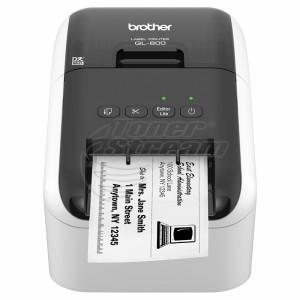
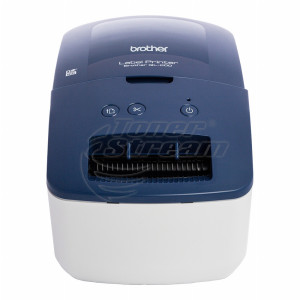
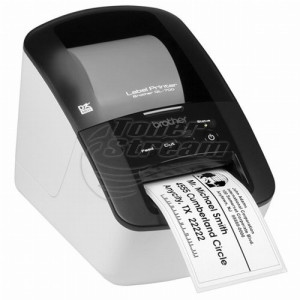
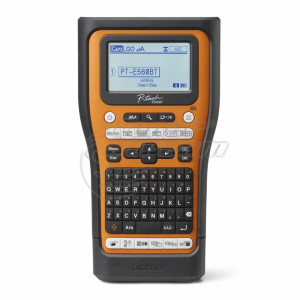
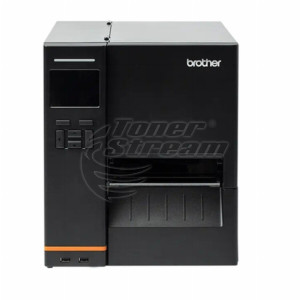
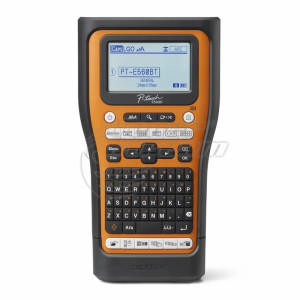
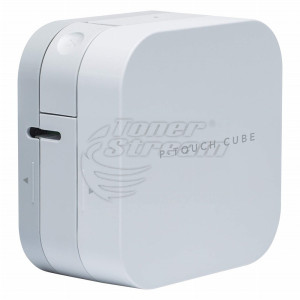
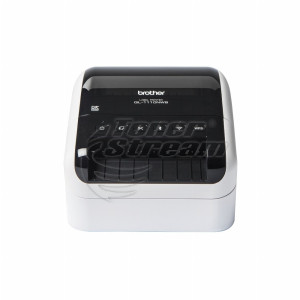
Label printers are an essential part of modern business operations – from logistics and warehouse management to retail, manufacturing, and office organization. They enable fast and accurate printing of barcodes, shipping labels, product labels, warehouse markings, and cable identification labels.
Our portfolio includes a wide range of solutions tailored to the needs of small businesses, online stores, industrial facilities, and administrative offices.
What types of label printers can you find in our selection?
Our product range includes both compact desktop devices and professional models designed for more demanding environments. The main differences between them are the printing technology and their intended applications.
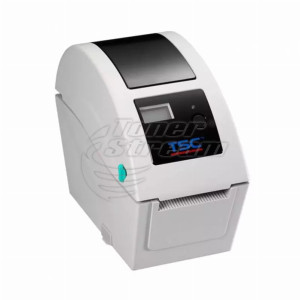
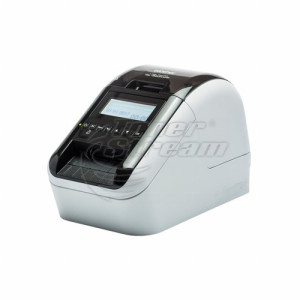
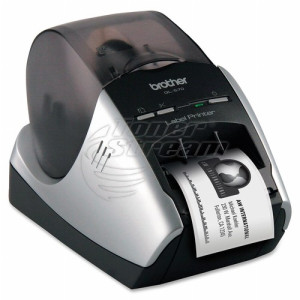
Direct thermal desktop printers
These devices operate without ink or toner, using heat-sensitive paper instead. They are ideal for offices, e-commerce businesses, and logistics operations, where they are commonly used for shipping labels, barcodes, and transportation markings.
Depending on the model, they may offer:
-
different print widths;
-
two-color printing capability;
-
USB, network, or wireless connectivity;
-
high printing speeds for larger workloads.
This is a cost-effective solution for everyday printing with a short to medium label lifespan.
Professional thermal printers
These printers are designed for warehouses, retail locations, and manufacturing facilities where greater durability and consistently high print quality are required. They feature robust construction, precise barcode printing, and support for various label sizes.
Mobile and specialized solutions
Compact devices equipped with Bluetooth or Wi-Fi allow printing directly from mobile devices, providing flexibility for on-the-go operations. Specialized models are also available for labeling cables and technical components using durable tapes designed for long-term use.
Choosing the right type of printer has a direct impact on operating costs, print reliability, and overall workflow efficiency.
Where are label printers used?
These devices are used across a wide range of business sectors where speed and accuracy are essential:
-
logistics and courier services – printing shipping labels and waybills;
-
e-commerce – address and product labels;
-
warehousing and distribution – barcode labeling and inventory management;
-
manufacturing – serial numbers and technical identification labels;
-
office environments – document organization and archiving;
-
electrical installations and IT – cable and component labeling.
Their wide range of applications makes label printers a universal solution for any organization working with products, shipments, or business assets.
How to choose the right label printer?
Selecting the right printer depends on several key factors that influence productivity and operating costs:
-
Print volume
For intensive daily use, choose a model with high print speed and a durable print mechanism.
-
Label width
Consider whether you need to print small barcode labels or larger shipping labels.
-
Connectivity
USB, Ethernet, Wi-Fi, or Bluetooth provide different levels of integration with your existing infrastructure.
-
Software compatibility
Support for warehouse management and ERP systems ensures seamless workflow integration.
-
Consumable type
Thermal paper, synthetic labels, or specialized tapes – the choice should match your operating environment.
A thorough assessment of your requirements minimizes the risk of choosing the wrong solution and helps optimize costs over the long term.
Advantages of professional label printers
Investing in a high-quality label printer delivers measurable business benefits. It speeds up workflows, makes order processing more organized and accurate, and reduces labeling errors, improving the traceability of goods and shipments. Warehouse organization becomes more efficient, while printed labels remain clear and durable over time.
Another important advantage is easy integration with existing systems, making implementation into daily operations straightforward. All of this contributes to improved operational efficiency and better customer service.
Which features matter most for professional use?
In demanding work environments, it is important to pay attention to the following technical specifications:
-
print resolution – typically 203 or 300 dpi;
-
print speed in mm/sec;
-
roll capacity and easy consumable replacement;
-
durable housing construction;
-
automatic label cutting capability;
-
support for barcode standards.
These features ensure reliable operation and minimize interruptions to your workflow.
Explore the available solutions at TonerStream and choose the device that will optimize your business operations and improve operational efficiency today.
FAQ – Frequently Asked Questions
-
Is a label printer suitable for home use or a small online store?
Yes, compact desktop models such as the Brother QL series are perfectly suitable for both. They connect easily via USB or Bluetooth, take up minimal space, and are convenient for home organization—jars, boxes, documents—as well as for printing shipping labels when sending customer orders.
-
Can I print shipping labels for courier companies?
Yes, standard courier labels require a model with a wider print width—for example, the QL-1110, which supports rolls up to 103 mm wide. Before purchasing, check the label size required by your courier or sales platform.
-
What is the difference between direct thermal printing and thermal transfer printing?
With direct thermal printing, the image is created on heat-sensitive paper without any additional consumables, but it fades over time when exposed to heat and sunlight. Thermal transfer printing uses a ribbon and produces long-lasting, durable labels, making it suitable for warehouse labeling and products with a long lifecycle.
-
What should I do if my label printer prints faded labels or streaks?
The most common cause is a dirty print head or low-quality labels. Carefully clean the print head according to the manufacturer's instructions and use compatible consumables. If the problem persists, our service center can diagnose the device.
-
What consumables are required, and do you offer them?
Yes, our catalog includes compatible consumables – Brother DK label rolls for the QL series, tapes for P-touch label makers, and thermal labels. Choosing the right consumable depends on your printer model and the label size you need.
-
Will the labels withstand use in a freezer, refrigerator, or outdoors?
Standard thermal labels are suitable for indoor use and refrigeration, but for freezing or outdoor conditions, it is important to choose labels with adhesive and materials specifically designed for those environments. For freezer and outdoor applications, select labels with specialized adhesive or use thermal transfer printing, which offers excellent resistance to moisture and temperature fluctuations.