

TonerStream TonerStream

Pantum printers

Brand: PANTUM
FILTER
clear filters
Selected
Print color
Print format
Printer type

Tehnology

Status
to
clear filters
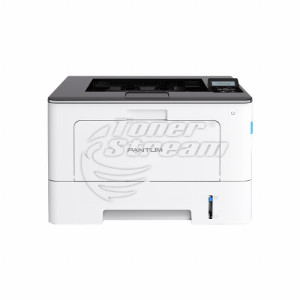
PANTUM
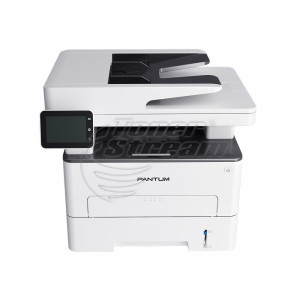
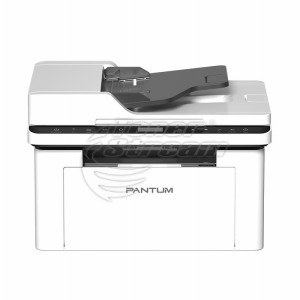
MFP, Laser, A4

M7310DW

All prices include 20% VAT
Added to cart
buy Add to cart
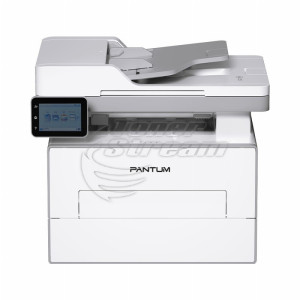
PANTUM
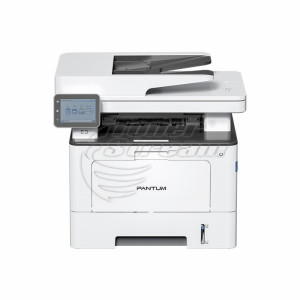
MFP, Laser, A4

BM5220

BM5220
Repair and consumables
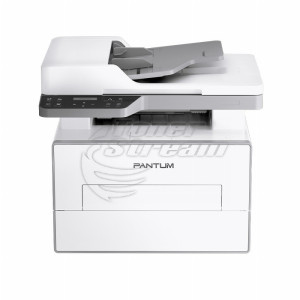
PANTUM
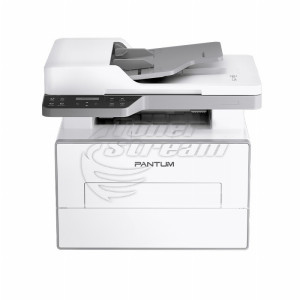
MFP, Laser, A4

BM4240

BM4240
Repair and consumables
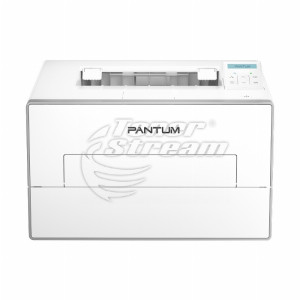
PANTUM
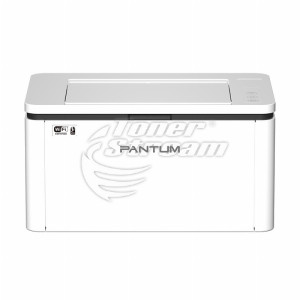
Printer, Laser, A4

BP2300NW

BP2300NW
Repair and consumables
PANTUM
MFP, Laser, A4

BM2300

BM2300
Repair and consumables
PANTUM
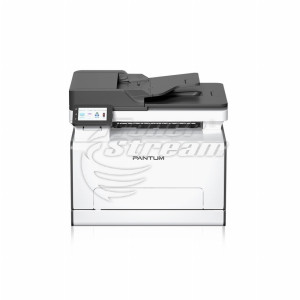
MFP, Laser, A4

CM2100

CM2100
Repair and consumables
PANTUM
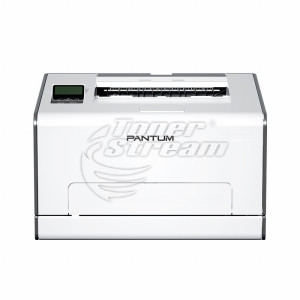
Printer, Laser, A4

CP2100DW

CP2100DW
Repair and consumables
PANTUM
Printer, Laser, A4

BP5205DW

BP5205DW
Repair and consumables
PANTUM
Printer, Laser, A4

BP5200DN

BP5200DN
Repair and consumables
PANTUM
MFP, Laser, A4

BM4300ADN

BM4300ADN
Repair and consumables
PANTUM
MFP, Laser, A4

BM4200ADN

BM4200ADN
Repair and consumables
PANTUM
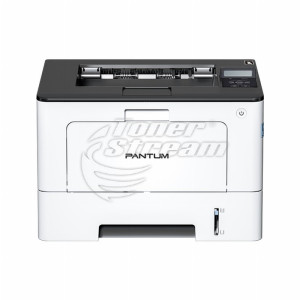
Printer, Laser, A4

BP4200DW

BP4200DW
Repair and consumables
PANTUM
MFP, Laser, A4

CM1100

CM1100
Repair and consumables
PANTUM
Printer, Laser, A4

CP1100DW

CP1100DW
Repair and consumables
PANTUM
MFP, Laser, A4

M6700DW

M6700DW
Repair and consumables
PANTUM
MFP, Laser, A4

BM5100

BM5100
Repair and consumables
PANTUM
Printer, Laser, A4

P3010

P3010
Repair and consumables
PANTUM
MFP, Laser, A4

M6600NW

M6600NW
Repair and consumables
PANTUM
Printer, Laser, A4

CP2200DW

CP2200DW
Repair and consumables
PANTUM
MFP, Laser, A4

CM2200FDW

CM2200FDW
Repair and consumables
PANTUM
Printer, Laser, A4

BP5100DN

BP5100DN
Repair and consumables
PANTUM
MFP, Laser, A4

M7105DW

M7105DW
Repair and consumables
PANTUM
MFP, Laser, A4

M6609NW

M6609NW
Repair and consumables
PANTUM
MFP, Laser, A4

M6559N

M6559N
Repair and consumables
34 - products

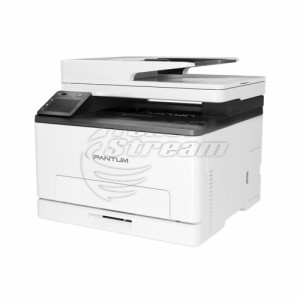
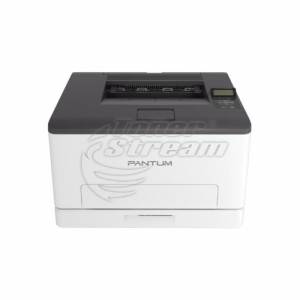
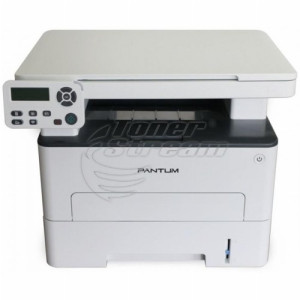
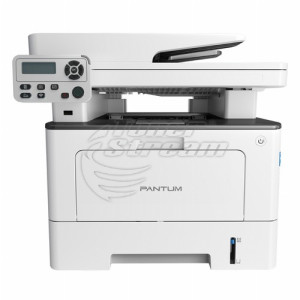
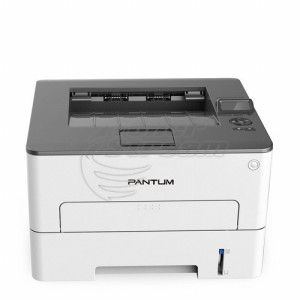
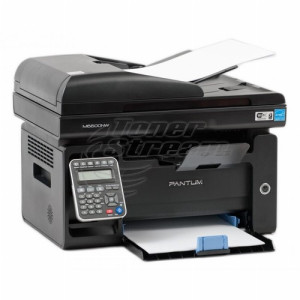
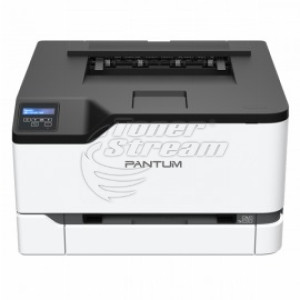
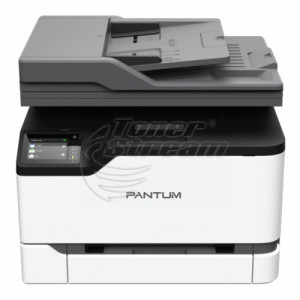
In the Pantum printer category, you will find A4 laser devices – standalone printers or multifunction models with built-in scanning and copying. Pantum is a brand with patented laser printing technology, backed by the team that developed the well-known G&G toner cartridges, and its devices come with a 2-year warranty.

Why choose a Pantum printer?

Pantum invests in its own patented technology and in quality control at every stage of production, which directly affects device reliability and maintenance costs. The brand's main advantages are:

  • many years of experience from the team behind the technology, gained through the development of widely recognised printing consumables;

  • low cost per copy combined with consistent print quality;

  • proprietary recycling components for some consumable models, which help protect the device from damage when using materials of uncertain origin;

  • flexibility when choosing between a standalone printer and a multifunction device, depending on the specific needs of the office or home;

  • more than 1,000 patents incorporated into the development of the printing technology.

The combination of these factors makes Pantum a solution worth investing in over the long term, rather than choosing solely on the basis of the initial price.

Printer or multifunction device?

All models in the category offer A4 laser printing, with the choice mainly coming down to the level of functionality. If the only task is printing documents, a standalone printer gets the job done quickly and without unnecessary expense. 

When scanning or copying is also required, a multifunction device combines all three functions in a single unit and eliminates the need for separate equipment for each task.

How to choose a specific Pantum model?

When choosing a specific model, it is advisable to consider how you will use the device. Pay attention to several key criteria: 

  1. Determine your print volume
    Choose a device according to how often it will be used and how many documents will be printed.

  2. Decide whether scanning and copying are required
    If you regularly work with paper documents, a multifunction model may be more practical than a standalone printer.

  3. Check the connectivity options
    Choose the interfaces according to whether the printer will be used from a single computer, wirelessly or from several workstations.

  4. Compare the consumables
    Check their yield and price, as these have a direct impact on your costs after purchase.

Comparing these characteristics will help you narrow down your choice to the Pantum models that meet your specific requirements, without paying for features you will not use. 

Why buy a Pantum printer from TonerStream?

Choosing a Pantum printer from TonerStream includes not only the purchase of the device itself, but also access to the necessary after-sales support. Along with the 2-year warranty, TonerStream offers original and streamed toner cartridges, spare parts and service diagnostics, including for models that are no longer sold as new. 

This allows you to keep your printer in good working condition and have access to suitable consumables and service throughout its entire operating life. 

Browse the available models at TonerStream and choose the solution that matches your print volume. 


FAQ – Frequently Asked Questions


  • How can you calculate the approximate cost of printing one page?

    Divide the price of the toner cartridge by its stated page yield. Keep in mind that actual consumption may vary depending on the content of the documents and operating conditions.

  • Are Pantum printers suitable for a home office?

    Yes. The category includes compact laser models for printing A4 documents, as well as multifunction devices if scanning and copying are also required at home.

  • Can a Pantum printer be used by multiple users?

    This depends on the connectivity options of the specific model. When choosing a device for a shared office, check whether it supports the required network or wireless connection.

  • BP, BM, CP or CM: which Pantum do I need?

    B indicates a monochrome device, C indicates a colour device, P indicates a printer, and M indicates a multifunction device with copying and scanning. For example, the BP2300NW is a monochrome printer, while the CM2100 is a colour multifunction device. The older P and M series follow the same classification.

  • How much will printing with Pantum cost me?

    The drum unit in the BP5100 series is separate from the toner cartridge and is replaced much less frequently: approximately 30,000 pages compared with 3,000 to 15,000 pages for the cartridge, depending on the version. The yields are approximate at 5% page coverage. Printing costs can be reduced further with streamed toner cartridges, where available for the series.

  • What else needs to be replaced in a colour Pantum besides the cartridges?

    For the CP2100 and CM2100 series, the CWT-2100 waste toner container also needs to be replaced, with a yield of approximately 15,000 pages. A separate drum unit is not provided for this series.

  • Where can I download a Pantum driver?

    From Pantum's official support section, by selecting the specific model, with one-step installation. On models with Wi-Fi, the wireless network can also be configured via Bluetooth from a phone.

  • Why does Pantum not recognise the new toner cartridge?

    Check that the protective strips have been removed and that the cartridge is fully inserted. Then compare the cartridge code with the printer model: on the CP2100 and CM2100 series, the consumable uses a chip and will not be recognised if there is a mismatch. If you are unsure, send us both codes so we can check compatibility.


tonerstream
tonerstream