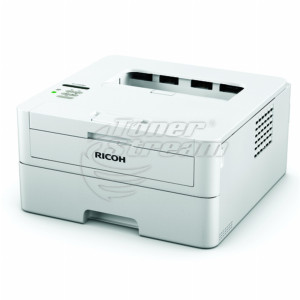
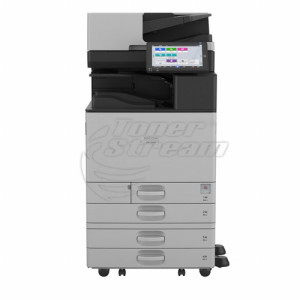
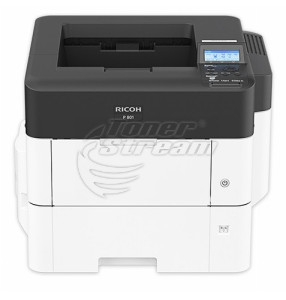
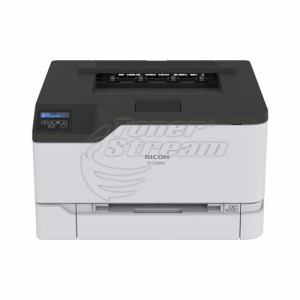
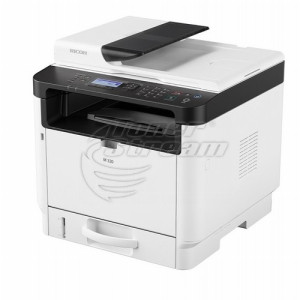
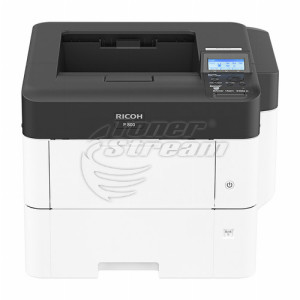
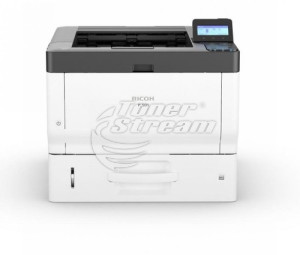
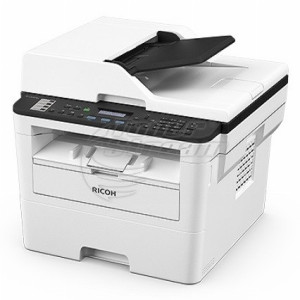
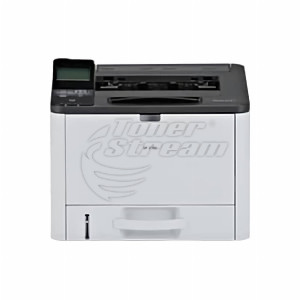
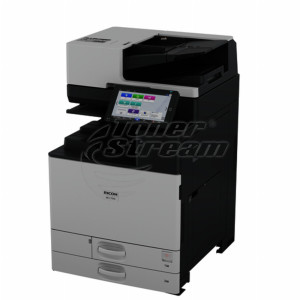
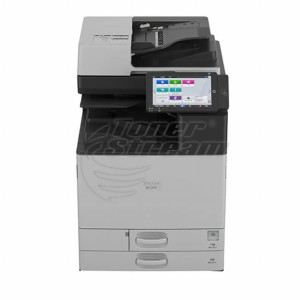
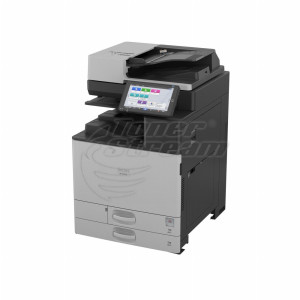
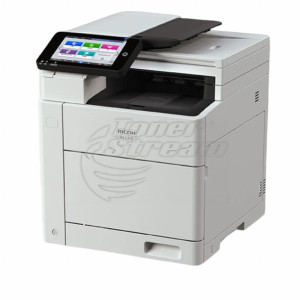
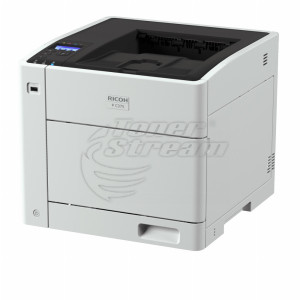
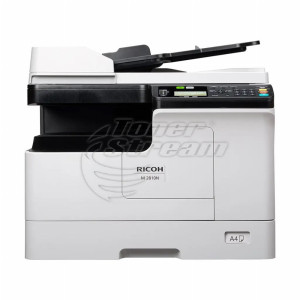
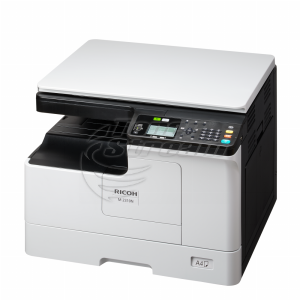
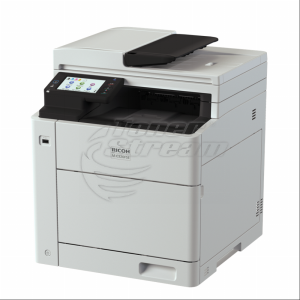
Ricoh is a brand known for durable printing and copying systems designed for high-demand working environments. In this category, you will find a wide range of printing and document processing solutions – from equipment for standard everyday tasks to devices for larger formats and intensive document workflows.
What printing technologies does Ricoh offer?
Technology is one of the main criteria when choosing a device, as different options are designed for different types of work. At TonerStream, we offer:
-
laser devices – suitable for regular printing of text and other office documents;
-
LED devices – use technology similar to laser printing, with the image formed by an LED light source;
-
inkjet devices – suitable for printing documents, images and graphic materials;
-
analogue devices – designed primarily for copying paper documents.
When choosing a device, it is advisable to match the technology to the documents you will be processing, as well as to how frequently the device will be used.
Print formats according to document type
The size of the materials you work with will help you determine the appropriate format. The main options are:
-
A4 – covers standard office documents such as contracts, invoices, reports and correspondence;
-
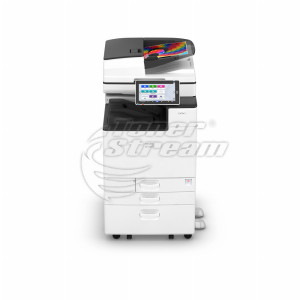
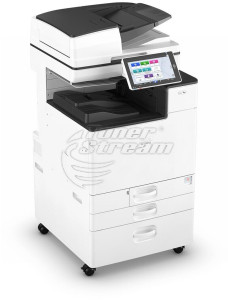
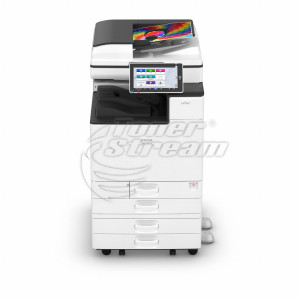
A3 – suitable when larger tables, diagrams, drawings and other materials require more space than A4 can provide;
-
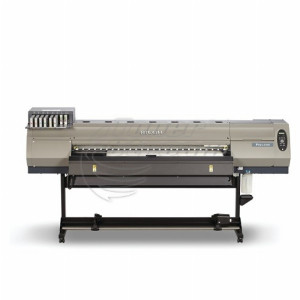
wide-format device – for working with materials that exceed standard office formats. This type of equipment is used for technical drawings, plans, diagrams and other large-format documents.
Choosing the right format allows you to work with the document sizes you need without selecting a larger and more feature-rich device than necessary.
Colour or monochrome printing?
If most of your work involves contracts, invoices, reports and other text-based documents, a monochrome device will meet your black-and-white printing needs. Colour models are suitable for presentations, charts, images and other materials where colour is an important part of the content.
In an office with a variety of tasks, colour printing provides greater flexibility, while it may not be necessary when most documents are text-based. Therefore, it is more practical to base your choice on the actual type of documents processed on a daily basis.
Features according to your office workflow
The functionality should be matched to the operations you perform every day. In this category, you can choose between several types of devices:
-
standalone printers – suitable when the main task is printing documents;
-
multifunction devices – combine printing with scanning and copying functions, depending on the specific model;
-
copiers – designed for working environments where paper originals are copied regularly;
-
fax machines – for offices where sending and receiving documents by fax is still part of the workflow.
This distinction helps you choose a device with the functions you will actually use, without opting for unnecessary equipment.
Why choose Ricoh from TonerStream?
Purchasing a printing device also involves its subsequent maintenance. At TonerStream, you can receive assistance in choosing a device according to the required format, functions and workload, as well as service support and consumables support after your purchase.
This is particularly important for equipment that is used every day and needs to remain operational under regular workloads. Browse the Ricoh products available at TonerStream and choose a device that matches the documents and workflow in your office.
FAQ – Frequently Asked Questions
-
Are Ricoh printers suitable for a small office?
Yes. The category includes compact monochrome A4 models as well as more powerful multifunction devices for offices with higher document volumes.
-
How do you choose the right Ricoh device for different types of paper?
Check which sizes, paper weights and media types are supported by the specific device. This is important if, in addition to standard office paper, you plan to use envelopes, labels or other materials.
-
Are Ricoh devices suitable for shared office use?
Yes, depending on the specific model. When choosing a device for several employees, check the network connectivity options and specifications related to the expected workload.
-
SP, P, MP, IM or Aficio: how do I navigate Ricoh model names?
SP and P are single-function printers, while MP and IM are multifunction devices with copying and scanning capabilities. IM is the newer generation with a touchscreen panel, Aficio is the older name for the same platform, and C indicates a colour machine.
-
Is an A3 Ricoh machine suitable for an office that mainly prints A4?
Yes, A3 machines can also print A4 and offer larger paper tray and consumables capacities. The trade-off is that they take up more space and have a higher initial cost.
-
How can I determine whether the machine can handle my office's monthly print volume?
Use the „Pages/month workload“ filter as a guide and keep your actual volume below the maximum value. If you do not know your print volume, check the meter readings for the last three months and calculate the average.
-
I have a machine branded Nashuatec, Gestetner or Rex Rotary. Will I be able to find consumables?
Yes, Nashuatec, Gestetner and Rex Rotary are part of the Ricoh group, and the models use the same designations, for example SP C420 and SP 1000. Look for consumables for your model in the Ricoh toner cartridge category – including streamed toner cartridges for a lower cost per page.
-
What does an SC error on the display mean?
SC stands for Service Code and the machine stops operating. Make a note of the code, switch the main power off and back on, and if the code appears again, service is required. Be sure to provide the exact code number.