

TonerStream TonerStream

Copier machines - p. 4

Printer type: Copy
FILTER
clear filters
Selected
Print color
Print format
Printer type

Tehnology

Status
to
clear filters
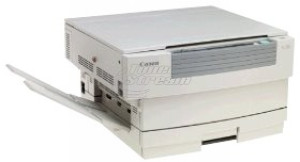
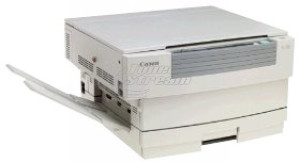
Canon
Copy, Analog, A4

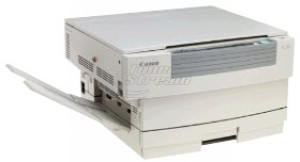
FC 540

FC 540
Repair and consumables
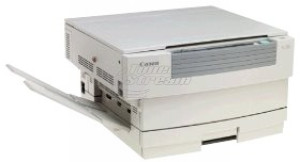
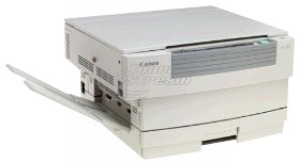
Canon
Copy, Analog, A4

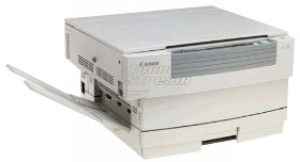
FC 530

FC 530
Repair and consumables
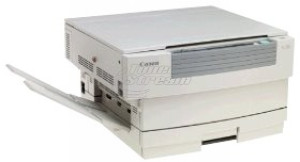
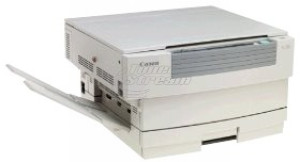
Canon
Copy, Analog, A4

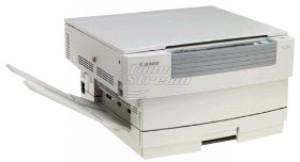
FC 336

FC 336
Repair and consumables
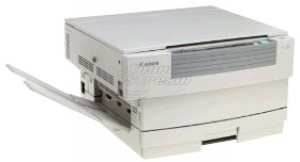
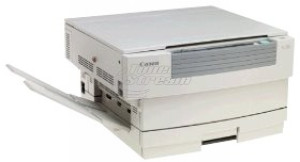
Canon
Copy, Analog, A4

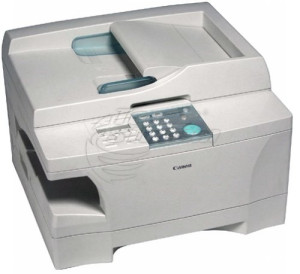
FC 330

FC 330
Repair and consumables
Canon
Copy, Analog, A4

FC 325

FC 325
Repair and consumables
Canon
Copy, Analog, A4

FC 310

FC 310
Repair and consumables
Canon
Copy, Analog, A4

PC 795

PC 795
Repair and consumables
Canon
Copy, Analog, A4

PC 790

PC 790
Repair and consumables
Canon
Copy, Analog, A4

PC 785

PC 785
Repair and consumables
Canon
Copy, Analog, A4

PC 780

PC 780
Repair and consumables
Canon
Copy, Analog, A4

PC 770

PC 770
Repair and consumables
Canon
Copy, Analog, A4

PC 760

PC 760
Repair and consumables
Canon
Copy, Analog, A4

PC 750

PC 750
Repair and consumables
Canon
Copy, Analog, A4

PC 745

PC 745
Repair and consumables
Canon
Copy, Analog, A4

PC 740

PC 740
Repair and consumables
Canon
Copy, Analog, A4

PC 735

PC 735
Repair and consumables
Canon
Copy, Laser, A4

PC 730

PC 730
Repair and consumables
Canon
Copy, Laser, A4

PC 720

PC 720
Repair and consumables
Canon
Copy, Laser, A4

PC 710

PC 710
Repair and consumables
Canon
Copy, Laser, A4

PC 1080

PC 1080
Repair and consumables
Canon
Copy, Laser, A3

NP 6025

NP 6025
Repair and consumables
Canon
Copy, Laser, A3

NP 6330

NP 6330
Repair and consumables
Canon
Copy, Laser, A4

NP 6010

NP 6010
Repair and consumables
Canon
Copy, Laser, A4

NP 1020

NP 1020
Repair and consumables
142 - products

In every modern work environment, copiers play a key role in the efficiency and professional image of a business. Choosing the right model ensures not just fast copying, but also resource optimization, cost reduction, and high productivity.

What types of copiers will you find at Tonerstream?

When it comes to choosing a reliable device, the selection at Tonerstream offers a wide range of models tailored to various needs, industries, and workloads. The combination of established brands, different print formats, and suitable technology makes choosing a copier from us a valuable asset for any business.

For easier navigation, see the main categories by which you can filter and select the right model for you:

  1. Brands
    In the copier category at Tonerstream, you will find carefully selected brands like Canon, Xerox, Konica Minolta, Samsung, Kyocera, Ricoh, Sharp, Panasonic, and Toshiba. They offer solutions for all needs – from highly reliable devices for intensive use, through economical models for daily office work, to machines with precise printing for professional applications. All brands are known for proven quality, long life, and easy integration into the work environment.

  2. Print color
    Monochrome – ideal for routine document workflows, law and accounting firms, logistics companies, and administrative departments. Advantages include low cost per page, speed, and minimal maintenance.

  3. Print format:

  • A4 – the standard and most commonly used size. Excellent for everyday tasks, correspondence, internal reports, and requests;

  • A3 – needed for technical documentation, charts, tables, and documents requiring a wider visual field;

  • wide format – used by architectural studios, advertising agencies, and design departments. Allows printing on banners, plans, and high-resolution drawings.

  1. Printing technology:

  • laser – preferred for its high speed, text clarity, economical use, and long toner life. The best choice for offices seeking uncompromising performance.

  • analog – supports basic copying functions, used less frequently today, but still applicable for specific needs or replacing existing equipment in archives or small production environments.

Thanks to this variety, at Tonerstream you will find copiers that not only meet standard needs but also bring real value and efficiency to your daily work. Each model is selected based on high standards for reliability, efficiency, and adaptability to the real demands of modern business.

Key guidelines for choosing a copier

Choosing the right copier depends primarily on the specific needs of your office or organization. To make an informed and effective decision, consider a few key factors that play a crucial role in the purchase:

  • paper format – standard A4 is completely sufficient for daily tasks, but for larger documents like plans or charts, look for a model with A3 or wide-format support;

  • manufacturer – choose proven brands that offer good quality and availability of supplies. This ensures peace of mind and fewer interruptions in workflow;

  • printing speed – machine speed is important for higher workloads. The higher the speed, the more efficiently tasks will be completed, especially when working under tight deadlines;

  • workload and capacity – choose according to your work volume. More intensive use requires higher performance and durable components;

  • interface and control – devices with intuitive menus, easy access to features, and network connectivity save time and simplify your team’s work.

By combining these key criteria, you will find copiers that deliver not only reliability but also efficiency and peace of mind in your daily operations.

Browse the full range of copiers in our category, compare features, ask questions if needed, and choose the device that will optimize your workflow.


FAQ – Frequently Asked Questions


  • What is the difference between a copier and a printer?

    A copier is a device mainly designed for quickly copying documents, while a printer prints files from a computer or another device. However, many modern devices combine the functions of a copier, printer, and scanner.

  • How fast can a copier copy documents?

    The copying speed depends on the specific model and is usually measured in pages per minute. More powerful office devices can copy dozens of pages within a single minute.

  • Can a copier copy a large number of documents at once?

    Yes, many copiers feature an automatic document feeder (ADF), which allows multiple pages to be copied sequentially without manually placing each page.

  • Can a copier also copy color documents?

    This depends on the device model. Some copiers operate only in black-and-white mode, while others also support color copying.

  • What consumables do copiers use?

    Most copiers use toner cartridges, similar to laser printers. Depending on the model, other consumables such as a drum unit or feed rollers may also be required.

tonerstream
tonerstream