

TonerStream TonerStream

Laser printers - p. 146

Tehnology: Laser
FILTER
clear filters
Selected
Print color
Print format
Printer type

Tehnology

Status
to
clear filters
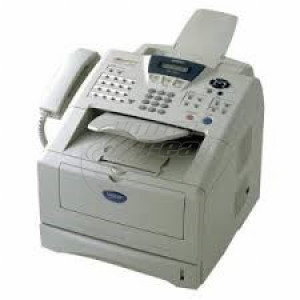
Brother
Fax, Laser, A4

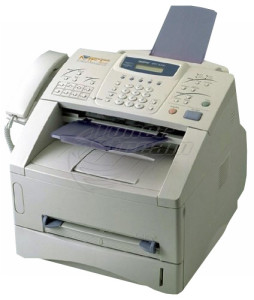
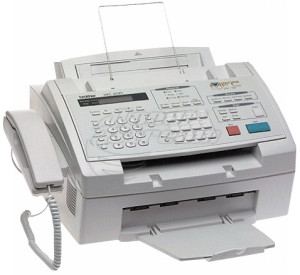
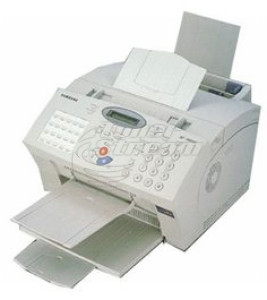
FAX-8000P

FAX-8000P
Repair and consumables
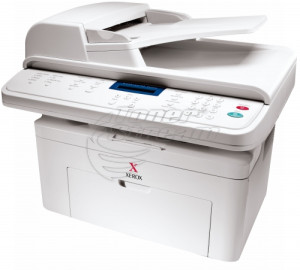
Xerox
MFP, Laser, A4

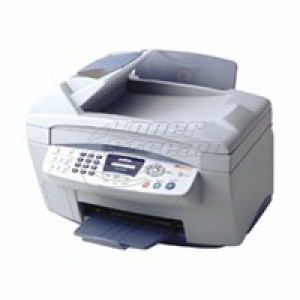
WorkCentre PE 220

WorkCentre PE 220
Repair and consumables
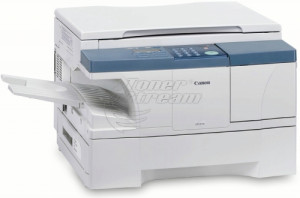
Canon
MFP, Laser, A4

ImageRUNNER iR 1210

ImageRUNNER iR 1210
Repair and consumables
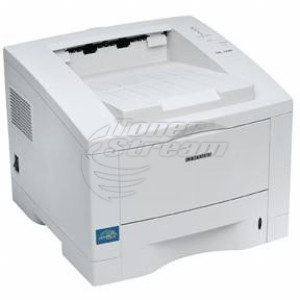
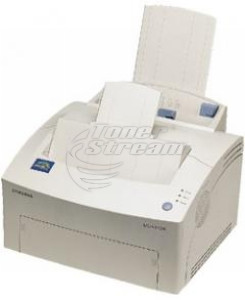
Samsung
Printer, Laser, A4

ML-1650

ML-1650
Repair and consumables
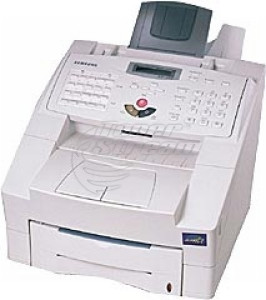
Samsung
Fax, Laser, A4

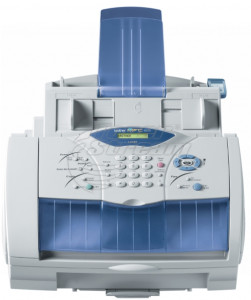
SF-5800

SF-5800
Repair and consumables
Konica/Minolta
Printer, Laser, A4

2425 PrintSystem/ Turbo

2425 PrintSystem/ Turbo
Repair and consumables
Xerox
Printer, Laser, A4

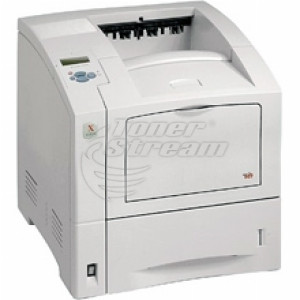
Phaser 4400

Phaser 4400
Repair and consumables
Dell
Printer, Laser, A4

S2500 Laser Printer

S2500 Laser Printer
Repair and consumables
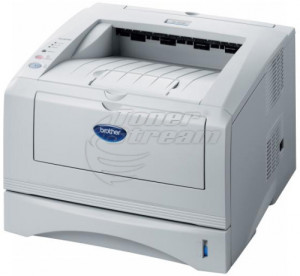
Brother
Printer, Laser, A4

HL-5030

HL-5030
Repair and consumables
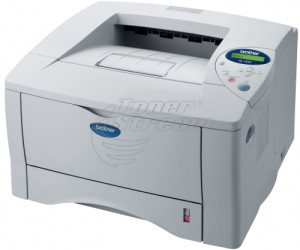
Brother
Printer, Laser, A4

HL-1650

HL-1650
Repair and consumables
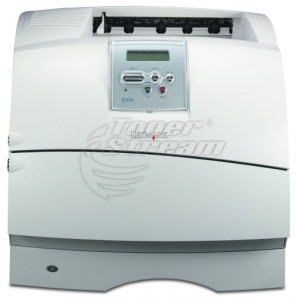
Lexmark
Printer, Laser, A4

T630

T630
Repair and consumables
Samsung
Printer, Laser, A4

SF-6800

SF-6800
Repair and consumables
Samsung
Printer, Laser, A4

ML-5000

ML-5000
Repair and consumables
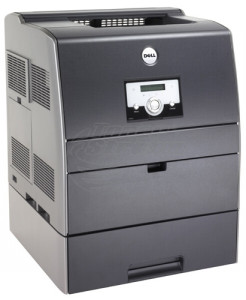
Dell
Printer, Laser, A4

3100 Color Laser Printer

3100 Color Laser Printer
Repair and consumables
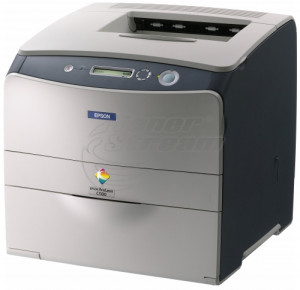
Epson
Printer, Laser, A4

AcuLaser C1100

AcuLaser C1100
Repair and consumables
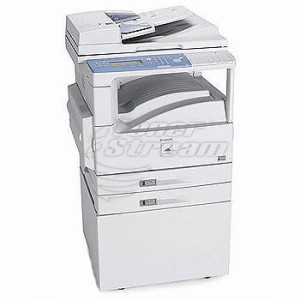
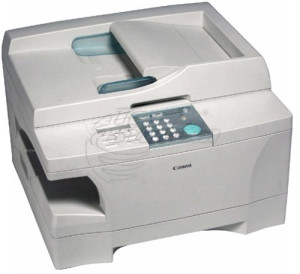
Canon
MFP, Laser, A3

ImageClass 2200

ImageClass 2200
Repair and consumables
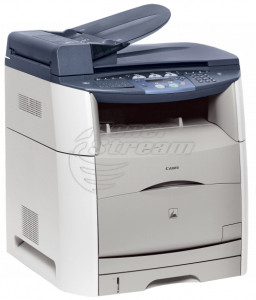
Canon
MFP, Laser, A3

PC 1060

PC 1060
Repair and consumables
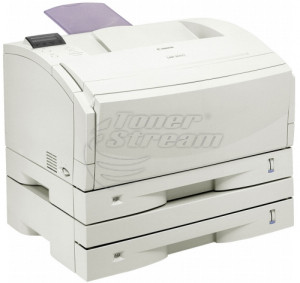
Canon
MFP, Laser, A4

i-SENSYS MF8180

i-SENSYS MF8180
Repair and consumables
Canon
Printer, Laser, A4

LBP 2000

LBP 2000
Repair and consumables
Canon
Fax, Laser, A4

FAX L300

FAX L300
Repair and consumables
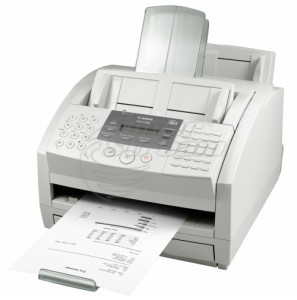
Canon
Fax, Laser, A4

FAX L3000

FAX L3000
Repair and consumables
Canon
Copy, Laser, A4

FAX L100

FAX L100
Repair and consumables
Brother
MFP, Laser, A4

MFC-8440

MFC-8440
Repair and consumables
Brother
Printer, Laser, A4

HL-5240

HL-5240
Repair and consumables
3720 - products

Laser printers are an indispensable choice for offices, businesses, and households looking for an efficient and high-quality solution for professional-looking documents. With their durability, speed, and cost-efficiency, they offer an optimal balance between price and performance for any application.

Why choose a laser printer for your needs?

Laser printers deliver excellent resolution and vivid images, whether for black-and-white or color prints. They are suitable for standard office printing as well as more specific tasks like scanning and copying through multifunctional devices.

Here are their advantages:

  • extremely low cost per page thanks to efficient toner technology;

  • long-lasting consumables and minimal need for frequent maintenance compared to inkjet printers;

  • sharp lines and readable text – especially important for monochrome documents such as contracts and reports;

  • capability to print large volumes of pages monthly without loss of performance;

  • a wide selection of brands and models, including established manufacturers such as HP, Brother, Xerox, and Samsung, ensuring reliability, innovation, and solid warranty for long-term use.

These machines handle high document volumes effortlessly while maintaining excellent quality on every page.

Key features to consider when choosing

Selecting the right laser printer requires careful assessment of several key features that ensure long-term efficiency, optimal performance, and high-quality workflow.

Resolution and print quality

High resolution (typically 1200x1200 dpi or higher) ensures clear, sharp, and detailed prints. This is especially important for companies that regularly print presentations, brochures, and other visual documents.

Monochrome and color capabilities

The choice between monochrome and color laser printers should be aligned with your business specifics. For standard administrative needs, a black-and-white printer is fully sufficient, while color models are needed for marketing materials and graphic presentations.

Features for additional efficiency

Many models offer advanced features such as automatic duplex printing, mobile printing, password protection, and built-in scanning. These functionalities save time and boost productivity.

Print speed and load capacity

High print speed (pages per minute) and monthly duty cycle are critical indicators when choosing a printer for a busy work environment.

Connectivity options

Modern laser printers offer various connectivity options – USB, Wi-Fi, Ethernet, or NFC – providing easy integration and fast control from different devices.

Choosing a laser printer from TonerStream

Purchasing laser printers from TonerStream brings a range of benefits, including:

  • high-quality devices with long service life, carefully selected to meet the highest standards;

  • variety of monochrome and color models for different business and personal needs;

  • a wide range of reputable brands and models;

  • warranty for peace of mind during usage.

With a laser printer from TonerStream, you can optimize workflows, reduce maintenance costs, and enhance the professional appearance of your documents.

Explore our wide selection of high-quality laser printers and invest in the reliability and efficiency of your business or home office. Order your new laser printer now and take advantage of all the benefits of modern printing!


Frequently Asked Questions


  • Are laser printers suitable for intensive use?

    Yes, laser printers are designed for higher print volumes and are suitable for both office environments and heavy home use. They offer stable performance and a lower cost per page with frequent printing.

  • What are the main costs when using a laser printer?

    The main expense is toner cartridges, with the price depending on capacity and model. With the right choice, maintenance costs remain predictable and economical in the long term. You can explore our toner cartridge offers.

  • Can I use streamed or compatible toner cartridges?

    In most cases, laser printers are compatible with streamed or compatible toner cartridges when they are intended for the specific model. It is always important to check compatibility before purchase.

  • How does a laser printer affect electricity costs?

    Laser printers consume more energy during printing, but they are generally more efficient with higher workloads. In standby mode, power consumption is minimal.

  • Do laser printers require special maintenance?

    Laser printers do not require complex maintenance, apart from periodic toner replacement and basic cleaning. This makes them convenient for long-term use.

  • Do laser printers support wireless and network printing?

    Many modern laser printers feature Wi-Fi or network connectivity. Support depends on the specific model and its technical specifications.

  • Are there any other details I should know about laser printers?

    Everything you need to know about laser printers is described in our article – https://www.tonerstream.com/en/blog/laser-printers-everything-you-need-to-know-66


tonerstream
tonerstream