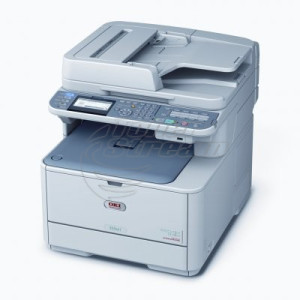
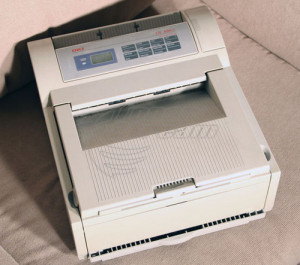
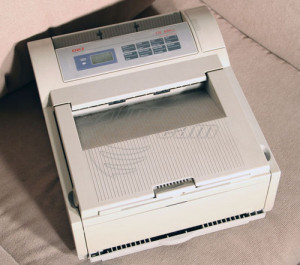
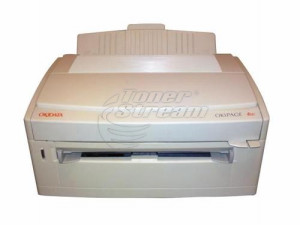
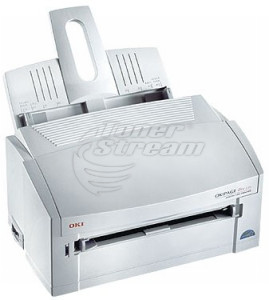
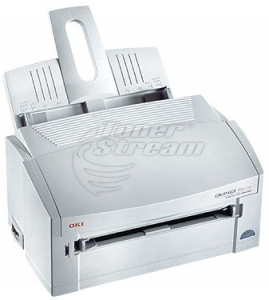
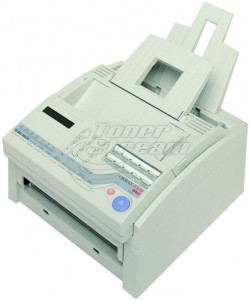
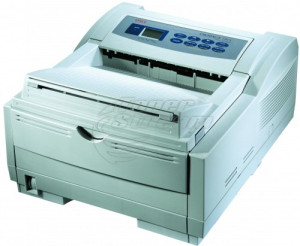
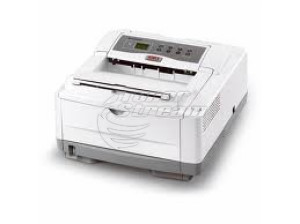
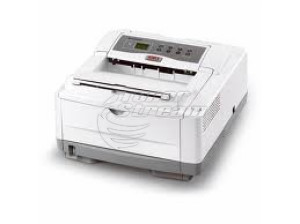
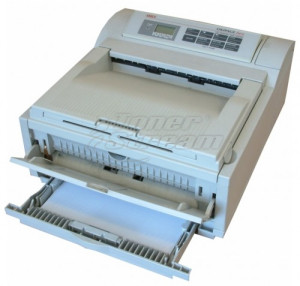
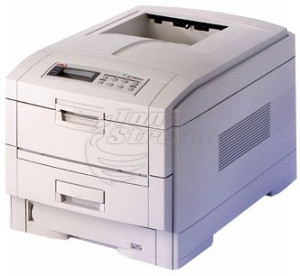
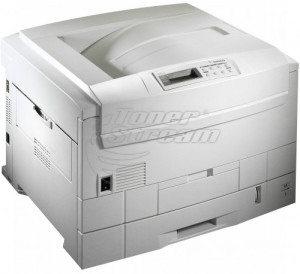
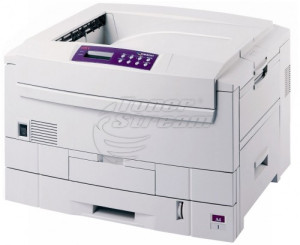
OKI printers are a preferred choice for business environments where high speed, consistent print quality, and optimized printing costs are essential. The brand is well known for its advanced LED printing technology, which delivers exceptional precision and uniform print quality, as well as reliable laser solutions designed for demanding, high-volume workloads.
At TonerStream, you will find a wide range of OKI solutions designed to meet diverse business requirements – from everyday document printing to specialized applications requiring high accuracy, efficiency, and long-term reliability.
What types of OKI printers are available?
The product range includes various configurations tailored to the needs of small offices, accounting firms, educational institutions, and corporate organizations. Depending on your print volume and document requirements, you can choose between:
-
Monochrome and color solutions
Monochrome printers are ideal for the daily printing of contracts, invoices, reports, and administrative documents, offering high print speeds and a low cost per page. Color printers are suitable for presentations, graphics, marketing materials, and internal business documents where vivid colors and detailed reproduction are essential.
-
OKI printers in A4 and A3 formats
The A4 format is the standard choice for office document workflows and routine tasks, while A3 printers allow you to work with larger documents, technical drawings, diagrams, and promotional materials, expanding your business capabilities.
This variety makes it easy to choose the right solution based on the volume, format, and type of documents you handle every day.
OKI printer or multifunction device?
Depending on your workflow, you can choose between a standard printer and a multifunction device. The difference is particularly important for offices with more intensive document processing:
-
Printer – dedicated entirely to fast, high-quality printing;
-
Multifunction device – combines printing, scanning, and copying in a single unit;
-
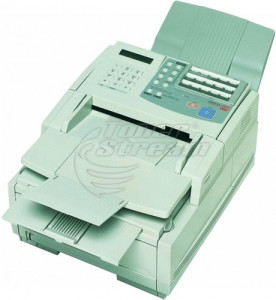
Models with fax functionality – suitable for specialized administrative environments.
Integrating multiple functions into a single device helps optimize office space and improves document workflow efficiency.
OKI printing technologies
OKI is one of the pioneers of LED printing technology. This method uses a fixed LED print head instead of a moving laser mechanism, providing greater reliability, fewer moving parts, and consistent print quality across the entire width of the page.
In addition to LED technology, OKI also offers laser printer models that are well known for their high productivity and efficiency in high-volume printing environments.
The main advantages of OKI LED and laser printers include:
-
High print speeds for large workloads;
-
Precise reproduction of text and graphics;
-
Reliable performance under intensive use;
-
Support for various paper types and heavier media;
-
Optimized consumable costs.
The right technology depends on your office requirements and whether your priority is compact size, productivity, or flexibility when working with different media types.
How to choose the right OKI printer?
Choosing the right printer depends on several key factors that directly affect your overall productivity:
-
Monthly print volume
For higher workloads, it is important to select a device that offers excellent durability and high-yield consumables.
-
Document type
Text documents and reports have different requirements compared to graphics, images, and color presentations.
-
Need for additional features
Scanning, copying, and network connectivity can significantly improve everyday workflows.
-
Print format
A4 is the standard for most offices, while A3 expands your capabilities for specialized applications.
Evaluating these factors helps ensure long-term efficiency and a lower total cost of ownership.
Who are OKI printers suitable for?
OKI solutions are widely used across a variety of professional environments. They are ideal for accounting and administrative offices, educational institutions, marketing and advertising departments, as well as companies with intensive internal document workflows. These devices are also an excellent choice for businesses looking for reliability, consistent performance, and predictable operating costs over time.
Thanks to their robust construction and advanced technologies, OKI printers provide a dependable solution for everyday business printing. Choose an OKI printer from TonerStream and equip your office with fast, high-quality printing tailored to your specific requirements and workload.
FAQ – Frequently Asked Questions
-
What is special about OKI printers with white toner?
These are specialized LED devices (for example, from the Pro series) that print with white toner on dark, colored, or transparent surfaces. They are mainly used for transfer printing on textiles, packaging, invitations, and promotional materials where standard CMYK printing is not sufficient.
-
Can I print banners and non-standard formats with an OKI printer?
Yes, this is one of the brand's strong advantages – thanks to the straight paper path, many color models can print on banner formats, cardboard, and stickers. This makes them a preferred choice for promotional materials, signs, and displays in retail locations.
-
Are OKI dot matrix printers still used?
Yes, dot matrix models such as the ML3320 continue to be in demand for specific applications – printing on multi-part forms with carbonless paper, invoices, delivery notes, and continuous paper. For these applications, laser and LED devices are not an alternative.
-
Are the refurbished OKI printers you offer reliable?
Yes, all second hand devices undergo technical maintenance and testing in our service center before sale. They are offered with a warranty and represent a cost-effective solution when looking for color LED printing or A3 format at a more affordable price.
-
Are consumables and spare parts available for older OKI models?
Yes, at TonerStream you can find toner cartridges, drum units, fuser units, and other spare parts for both current and established older models of the brand. This allows OKI devices to remain in operation for many years without interrupting the workflow.