






If your printer no longer works as it used to and constantly causes you problems, it may be time to consider a new model. When a printer starts operating inefficiently, it affects not only print quality – it slows down workflow, increases costs for consumables or repairs, and can lead to wasted time. Understanding when it is time for a replacement helps you avoid hidden costs and unnecessary stress.
In this article, we will look at 5 clear signs that indicate your printer has reached the end of its useful life and that replacing it can lead to higher productivity, cost optimization, and more efficient operation.
-
Significantly deteriorated print quality
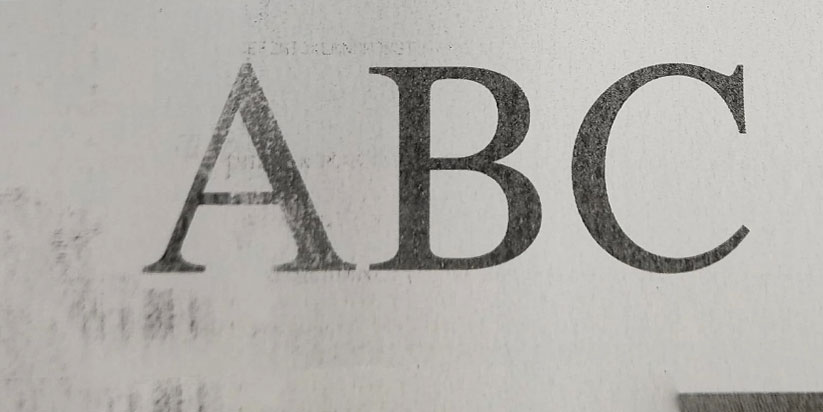
The first and most visible sign is when documents no longer look professional – text appears faded, images are blurry, or there are streaks and spots. This often occurs when mechanical components such as the print head or drum are heavily worn.
If you have replaced the ink or toner and the problem persists, this is a clear indicator that the hardware itself is beginning to fail, and replacing it with a new model will be a more effective solution than continuous repairs.
-
Frequent paper jams and technical errors
One of the most annoying issues is when paper frequently jams in the printer or it displays constant errors during printing. In rare cases, this may be due to temporary contamination, but if cleaning does not help, the paper feed mechanisms may be worn out.
This not only slows down your work but also leads to increased costs for paper and technical support. In such situations, it is more logical to invest in a new printer rather than continue trying to salvage the old one.
-
Slow operation and low productivity
If your printer starts taking a long time to print even a small document, this may be a sign of outdated technology as well as worn internal components. Most modern models offer higher print speeds and shorter task preparation times.
Slow operation reduces efficiency, especially when printing large documents or working in a dynamic environment. In such cases, replacing the device with a more powerful model is justified both economically and in terms of time savings.
-
Incompatibility with new devices and technologies
Technology is evolving rapidly – wireless printing, mobile applications, and automatic software updates are now standard features of modern printers. If your model does not support these functions or no longer has drivers for new operating systems, this significantly limits your capabilities and can make printing from a phone or new laptop difficult every time.
This type of issue cannot always be solved with a repair – sometimes the printer is simply technologically outdated and cannot be integrated with the modern devices you use daily.
-
Increasing maintenance and consumable costs
Over time, older printers often begin to require more frequent repairs, expensive spare parts, or more frequent ink/toner refills. This can lead to a situation where maintenance costs exceed the value of the printer itself.
In such cases, it is more cost-effective to invest in a new model with lower energy consumption and more affordable consumables, rather than continuing to spend money on repairs and spare parts.
Recognizing the timely signs for replacing your printer is key to maintaining an efficient and trouble-free workflow. When print quality deteriorates, productivity declines, and maintenance costs increase, replacing the device becomes a logical and economically justified step.
Investing in a new printer not only ensures more reliable operation and compatibility with current technologies but also helps optimize time and resources in the long term.
Frequently Asked Questions
-
How many years does a printer last on average?
On average between 4 and 7 years, depending on usage and maintenance.
-
Is it more cost-effective to buy a new printer instead of repairing an old one?
Yes, when the repair costs exceed 30–40% of the price of a new model.
-
How can I tell if the problem is with the printer or the computer?
Test the printer with another device. If the problem persists, the issue is with the printer itself. If not, it is most likely a software or driver-related problem.
-
What are the main advantages of new printers?
New models offer faster printing, wireless connectivity, lower cost per page, better compatibility with modern devices, and lower energy consumption.
-
Is it worth replacing a printer if it is still working?
Yes, if it operates unreliably and requires frequent intervention. A functioning but inefficient printer often costs more time and money than a new device.