






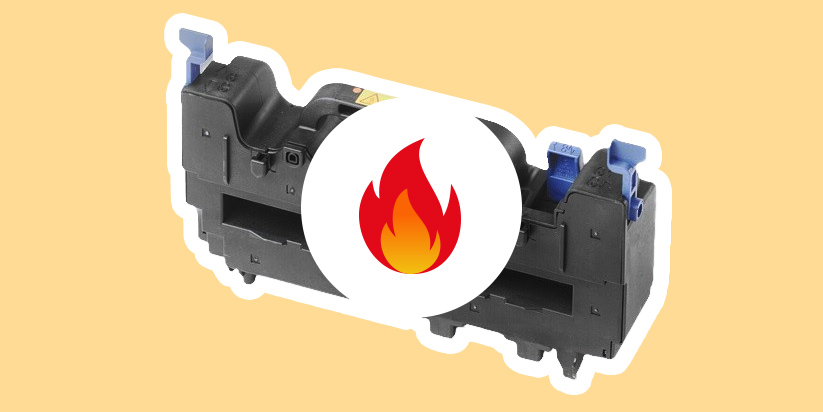
If you notice smudged toner, repeating shadows on the page, or paper that comes out wrinkled and excessively hot, the issue is likely related to a failure in the fuser unit of your laser printer. This is one of the most heavily used components in the device, and under certain symptoms, replacement should not be delayed.
In this article, you will learn how to recognize the signs of a faulty fuser unit, how to distinguish it from toner-related issues, and when replacement becomes necessary.
What are the most common signs of a faulty fuser unit?
The fuser unit in a laser printer is directly responsible for print quality. When it fails, the symptoms are usually clearly visible on the first printed pages.
The most common signs include the following issues:
-
Smudged toner on the printed page
Text or images appear unfixed and can smear when touched. This is a clear indication that the toner is not properly bonded to the paper. -
Repeating shadows or “ghosting”
A faint secondary copy of text or graphics appears at regular intervals. This often indicates a worn-out pressure or heating roller inside the fuser unit. -
Wrinkled or deformed paper
If pages come out with waves or physical distortion, the temperature inside the fuser is likely uneven. -
Dark lines or spots near the edge of the page
These defects may result from damage to the coating of the heating roller. -
Frequent paper jams at the rear of the printer
When the fuser unit is faulty, paper often jams just before exiting the device.
When one or more of these symptoms appear, the likelihood of a fuser unit failure is high. In such cases, it is recommended to avoid intensive printing, as further damage may occur.
How to distinguish a faulty fuser unit from a toner problem?
Before replacing components or contacting a service center, it is important to confirm that the issue is not related to consumables.
There are several key differences that help distinguish the two problems. With a defective toner cartridge, smudging is usually uneven and often accompanied by faded text or images. When the issue is the fuser unit, the print appears fully dense, but the toner is not properly fixed and smears upon touch.
With worn toner, there is no increased paper temperature or smell of overheating. However, when the fuser unit is faulty, paper often exits the printer extremely hot and may carry a distinct smell of heated plastic.
This distinction is important because replacing the toner cartridge will not solve the issue if the root cause is the fuser unit. In such cases, professional servicing is required.
When is it time to replace the fuser unit?
Not every defect requires immediate replacement, but there are situations where delaying repair can lead to higher costs.
The following conditions indicate that replacement is necessary:
-
Repeated defects after several test prints
If the issue persists regardless of paper type or settings, the unit is likely worn out. -
High page count usage
Under intensive printer use, the fuser unit has a limited lifespan. Once its recommended capacity is reached, print quality begins to degrade. -
Service message or error code
Some models directly indicate the need for replacement via a display message. -
Repeated jams at the rear of the device
This is a classic sign of mechanical wear or failure.
When these factors are present, it is advisable to contact a specialized service center rather than attempting temporary fixes.
What should you do if you suspect a failure?
The first step is to stop extended printing and run a short test of a few pages. If the defect repeats, self-repair is not recommended, especially for newer laser printer models.
The fuser unit operates at very high temperatures. Because of this, improper handling carries serious risks. Attempting DIY repair may further damage internal components, and there is also a real risk of burns since parts remain hot long after operation.
Additionally, such intervention may void the warranty, ultimately leading to higher repair costs.
In such cases, the best solution is professional diagnostics. This ensures an accurate assessment of the device’s condition and determines whether the fuser unit or another component needs replacement.
If you need technical assistance, you can contact the TonerStream service team – https://www.tonerstream.com/en/service, where we will perform a professional diagnosis and provide a specific solution based on your printer model.