

TonerStream TonerStream

Printers and machines - p. 151

FILTER
clear filters
Selected
Print color
Print format
Printer type

Tehnology

Status
to
clear filters
Xerox
Printer, Laser, A4

Phaser 740

Phaser 740
Repair and consumables
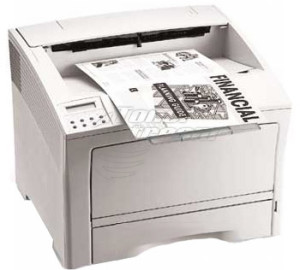
Xerox
Printer, Laser, A4

Phaser 550

Phaser 550
Repair and consumables
Samsung
Printer, Laser, A4

CLP-660

CLP-660
Repair and consumables
Xerox
Printer, Laser, A4

Phaser 6180

Phaser 6180
Repair and consumables
Xerox
MFP, Laser, A4

Phaser 6128 MFP

Phaser 6128 MFP
Repair and consumables
Xerox
MFP, Laser, A4

Phaser 3300 MFP

Phaser 3300 MFP
Repair and consumables
Xerox
MFP, Laser, A4

Phaser 3635 MFP

Phaser 3635 MFP
Repair and consumables
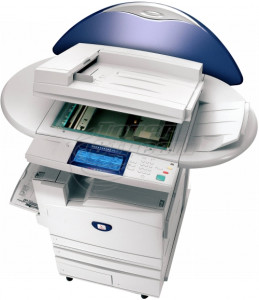
Xerox
MFP, Laser, A3

WorkCentre Pro M123

WorkCentre Pro M123
Repair and consumables
Xerox
MFP, Laser, A3

WorkCentre M118

WorkCentre M118
Repair and consumables
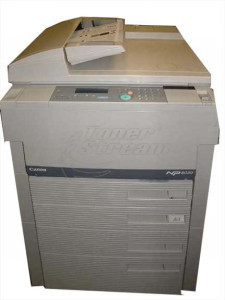
Xerox
MFP, Laser, A3

CopyCentre C118

CopyCentre C118
Repair and consumables
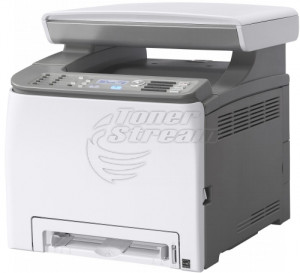
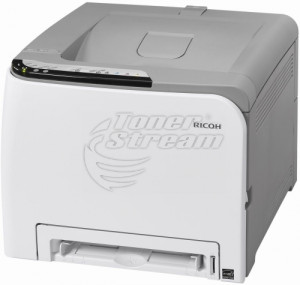
Ricoh
MFP, Laser, A4

Aficio SP C210

Aficio SP C210
Repair and consumables
Panasonic
Fax, Laser, A4

KX-FL 401

KX-FL 401
Repair and consumables
OKI
MFP, LED, A4

C3520

C3520
Repair and consumables
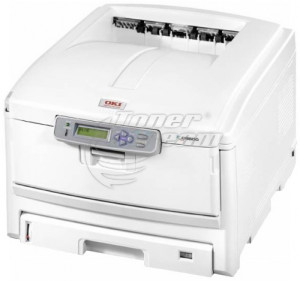
OKI
Printer, LED, A4

C7100

C7100
Repair and consumables
OKI
Printer, LED, A4

C5850

C5850
Repair and consumables
OKI
Printer, LED, A4

C5650

C5650
Repair and consumables
OKI
Printer, Laser, A4

B6500

B6500
Repair and consumables
OKI
Printer, LED, A4

B440

B440
Repair and consumables
OKI
Printer, LED, A4

B430

B430
Repair and consumables
OKI
Printer, LED, A4

B410

B410
Repair and consumables
Lexmark
Printer, Laser, A4

E460

E460
Repair and consumables
Lexmark
Printer, Laser, A4

E360

E360
Repair and consumables
Lexmark
Printer, Laser, A4

E260

E260
Repair and consumables
Lexmark
Printer, Laser, A4

Optra C

Optra C
Repair and consumables
4224 - products

Choosing the right printer is essential for efficiently handling daily tasks – whether in a high-demand office environment or a home workspace. With us, you will find a wide selection of quality devices tailored to different needs, print volumes, preferred printing technology, desired features, and technical specifications. 

Choosing the Ideal Printer for Your Home or Office 

Every user has different requirements – some seek compactness and ease of use at home, while others prioritize reliability, durability, and speed in a dynamic office setting. To make an informed decision, consider the following key aspects: 

  1. Printing Technology 
    Modern printers use different printing technologies, each with specific advantages: 

  • Laser – uses a laser beam to create an image on a photosensitive drum, enabling fast and efficient printing of large document volumes; 

  • LED – offers reliability and often more compact sizes, using light-emitting diodes to create an image; 

  • Inkjet – sprays liquid ink onto paper via nozzles, providing high-quality color images and photographs; 

  • Thermal – ideal for specific applications such as label and receipt printing, using heat to transfer images onto special paper; 

  • Dot matrix – operates with a print head containing pins that strike an ink ribbon to create an image on paper. Known for their durability and low printing costs.​ 

  1. Connectivity 
    Modern printers offer various connectivity options, including Ethernet and Wi-Fi. Wireless-enabled models facilitate mobile printing from smartphones and tablets, making them especially convenient for shared home or team office use. 

  2. Speed and Resolution 
    For business environments, high print speeds are crucial – models exceeding 30 pages per minute (ppm) enhance productivity in busy offices. High resolution (e.g., 1200 x 1200 dpi) ensures clarity and detail when printing text and graphics, which is vital for presentation documents or client materials. 

  3. Features and Multifunctionality 
    If you need an all-in-one solution, multifunction printers with scanning, copying, and faxing capabilities are an optimal choice. These devices save space and integrate multiple processes into a single compact unit. Additional features such as automatic duplex printing, ADF (automatic document feeder), and touchscreen displays enhance convenience and productivity. 

  4. Maintenance and Consumables 
    A printer’s long-term reliability depends not only on its construction but also on easy maintenance and access to suitable consumables. High-quality toner or ink with extended lifespan allows thousands of pages to be printed without frequent replacements, optimizing operational costs. 

Choosing based on these criteria determines convenience, reliability, and the final quality of every printed document. 

Advantages of Printers at Tonerstream 

Every device in our portfolio is carefully selected to combine high quality, reliability, and affordability. Whether you need a basic home-use model or a high-performance office solution, you will find products from renowned brands, including HP, Canon, Brother, Epson, Xerox, Lexmark, and more. 

What do we offer? 

  • A variety of options based on usage – from budget-friendly solutions for home and small office use to professional printers designed for heavy workloads in intensive office environments. Every customer can find the right model based on tasks, print volume, and budget; 

  • Support for various paper formats – models in our category handle different paper formats, including standard A4 for daily documents, A3 for larger prints, label rolls for logistics and retail, and wide-format options essential for graphic design, architecture, and technical drawings; 

  • Color and monochrome printers – depending on daily work needs, choose between color printers for vibrant prints and monochrome printers focused on efficiency and cost-effectiveness for standard black-and-white document processing; 

  • New, refurbished, and rental options – we offer brand-new printers, certified second-hand devices in excellent condition, and rental printers – a flexible solution for temporary projects, events, or businesses that prefer not to make long-term investments. 

Each Tonerstream model comes with a warranty and detailed technical specifications, including resolution, functions, speed, monthly print capacity, and expected device lifespan. Additionally, our service center offers expert assistance and rapid response when needed. 

Explore our full portfolio and find a printer that meets your expectations – fast, high-quality, and uncompromising. Whether for home or high-demand office use, the right device choice saves time, money, and effort in the long run. 


Frequently Asked Questions


  • What are the maintenance costs of a printer?

    The costs mainly depend on the price and capacity of the consumables, as well as the printing frequency. Choosing the right printer can significantly reduce long-term costs.

  • Do the printers come with a warranty?

    Yes, the printers are offered with a warranty in accordance with the manufacturer’s terms. Detailed information about the warranty conditions can be obtained at the time of purchase or from the description of the specific product.

  • What should I do if I am not sure which printer model to choose?

    If you are hesitating between several models or are not sure which printer is the most suitable for you, you can contact us for a consultation. We will help you choose a device according to your needs and budget.

  • Does the type of printer I choose matter for future costs?

    Yes, the type of printer has a direct impact on printing and maintenance costs. Laser printers are generally more cost-effective for higher print volumes.

  • Are these printers suitable for office use?

    Yes, some of the offered models are suitable for intensive office use. When choosing, it is important to consider the recommended monthly print volume and the operating speed of the device.


tonerstream
tonerstream